Reading Fruit Farm Empire Patches
Turn every [UPD] banner into a five-minute checklist so your farm, scripts, and shop buys stay accurate.
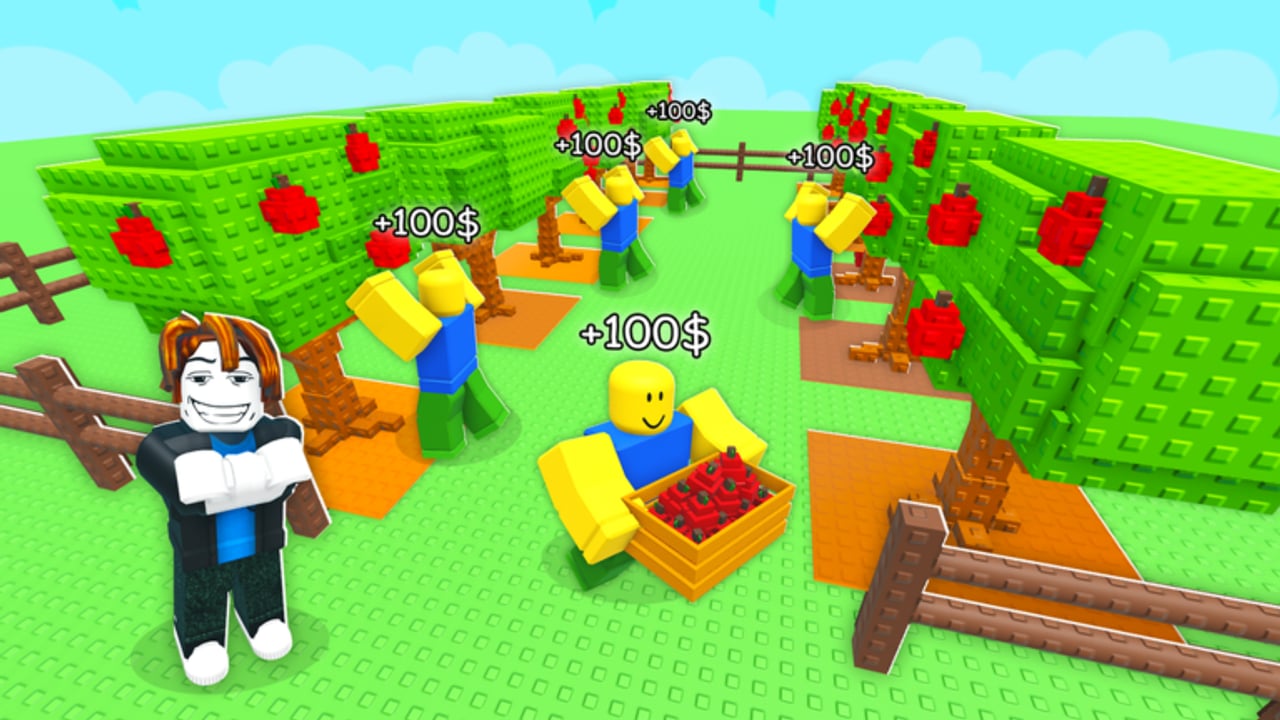
Fruit Farm Empire rarely publishes a novel-length Steam changelog. Most updates arrive as a Roblox client bump, a new [UPD] prefix on the experience name, a group shout, or a silent remote rename that only breaks your favorite auto-sell toggle. This guide teaches you how to read those signals, what to re-verify on your farm after each wave, and how to build changelog habits that protect cash, farmers, and floor progress.
Pair this article with the live pass and pack tables on the Updates Hub. Shop prices change less often than client builds; habits matter more than memorizing every version integer.
Where Cheezy Labs actually posts changes
- Experience title and description — The Roblox page for place
89738739809920often flips to[UPD] Fruit Farm Empirewhen a wave lands. Read the description bullets for limited packs, event timers, or code hints. - Cheezy Labs group wall / shouts — Short announcements for Ghost Machine weeks, visit milestones, or broken features.
- In-game banners / HUD tips — Temporary text near shops during events.
- Creator Discord or socials (when linked from the group) — Longer notes for big content drops.
- This wiki — We summarize shop-relevant deltas on updates and keep progression guides honest after we re-test.
Do not trust random Discord servers selling “leaked patch notes.” Official channels never ask for password resets or Robux gifts to “unlock the changelog.”
How to parse a short Roblox update message
Treat every announcement as answers to five questions:
| Question | Why it matters |
|---|---|
| Did restock timers change? | Seeds/Farmers are normally 5 minutes; Eggs/Decor 7. |
| Did any Index price or grow time move? | Payback math in make money shifts. |
| Were farmers or pets rebalanced? | Re-open farmers and pets before big spends. |
| Is there a new event currency loop? | Ghost candies, Blood Moon, rain—see mutations and events. |
| Did UI buttons move? | Codes, dailies, and Index can hide behind new icons (codes, daily rewards). |
If the post only says “bug fixes and improvements,” still run the physical checklist below. Silent remote renames are the #1 reason scripts die after a Friday night bump.
Five-minute post-patch checklist
Run this every time you see a new client version or [UPD] title—especially after waves like the 28 November 2026 refresh (ballpark ~5.0M+ visits, ~1.7k playing, ~12.7k favorites on the listing):
- Join a fresh server — Avoid stale private servers that might cache old remotes.
- Sell one fruit — Confirms economy remotes still fire and cash HUD updates.
- Open Seeds Shop + Farmer Stand — Note the countdown; should remain ~5:00. Spot-check Broccoli / Firefighter prices against tier lists.
- Open Eggs + Decorations — Confirm ~7:00 timers.
- Claim daily rewards — Calendars sometimes redraw; exclusives still matter.
- Tap Codes / Settings — Ensure the redeem panel exists even when no codes are live.
- Place or collect one storage interaction — Capacity bugs show up here (storage).
- If you use automation, re-execute once — Then enable Auto Sell alone before Auto Hire (scripts).
- Glance at game pass prices — Cross-check the tables on updates if anything looks off.
- Skim floor unlock costs — Floor 2 / 3 / 4 should still read $2M / $25M / $100M on upgrades.
Photograph or screenshot anything that disagrees with this wiki, then trust your live client until we re-verify.
Changelog habits for long-term players
Keep a restock alarm. Patches do not excuse missing Broccoli stock. The 5-minute clock is still the real boss fight described in Getting Started.
Separate “content” patches from “economy” patches. New decorations rarely change S-tier ranks. A fruit Index tweak or farmer multiplier change does—re-read plants tier and farmers tier the same day.
Budget Robux after the dust settles. Limited packs and grow boosts often appear beside UPD banners. Wait ten minutes, finish the checklist, then decide whether Insane Pack or 2x Cash still fits your plan on the Updates Hub.
Track visit milestones. When visits cross round millions, promo codes sometimes drop. Favorites climbing past twelve thousand is a soft signal that Cheezy Labs may push a celebration pack—not a guarantee.
Document your own farm. Note which floor you unlocked, which exclusives you own (Pineapple, Grape, Ghost Tree), and which script build you last tested. After a bad patch you can roll decisions back without guessing.
Prefer official loadstring URLs. When hubs rotate after a break, paste the full string—truncated HttpGet calls fail silently.
What usually does not change
- Max 6 players per server and personal plots
- Hire path toward 45 farmers across 4 floors
- Core loop: plant → harvest → store → sell
- Daily exclusives staying off the Seeds Shop shelf
- Mutation multipliers (Wet x2, Haunted x3) during weather events
If a social post claims “infinite broccoli” or “floor 5 leaked,” treat it as unverified until it appears in-game or on the Cheezy Labs group.
Linking patches back into progression
After you clear the checklist:
- Route fresh cash with How to Make Money.
- Re-assign farmers using the farmers roster.
- Confirm pet slots still match pets after hatch-related fixes.
- Use tools before dumping billions into More Farmers.
- Return to guides if HUD onboarding tips reappeared for veterans.
Related pages
- Updates Hub — pass, pack, and boost tables
- Scripts Hub — post-patch automation recovery
- Codes Hub — milestone promo watch
- Wiki links — official Roblox destinations
Build the habit once: every UPD banner equals a five-minute checklist, not a panic reinstall. Fruit Farm Empire rewards farmers who keep selling while everyone else waits for a YouTube recap.
Frequently Asked Questions
Quick answers to the most common questions.
Where can I find Fruit Farm Empire patch notes?
Check the Roblox experience description, the Cheezy Labs group shout, and this wiki’s Updates Hub. Full Steam-style changelogs are uncommon.
What should I do after a Fruit Farm Empire update?
Rejoin a fresh server, test sell/restock timers, claim dailies, verify storage, and re-test scripts one toggle at a time.
Do restock timers change every patch?
Usually no—Seeds and Farmers stay near 5 minutes, Eggs and Decorations near 7. Always confirm after a client wave.
Why did my script break after an update?
Client bumps often rename remotes. Grab a fresh loadstring from a trusted hub and re-enable Auto Sell before Auto Hire.
Did the November 28 2026 update change pass prices?
Pass tables on the Updates Hub remained the reference after that client wave. Re-check in-game if a limited pack rotates; permanent pass prices rarely move mid-week.